
Wedding planning · 8 min read
How to seat wedding guests: rules, table layouts and a step-by-step plan
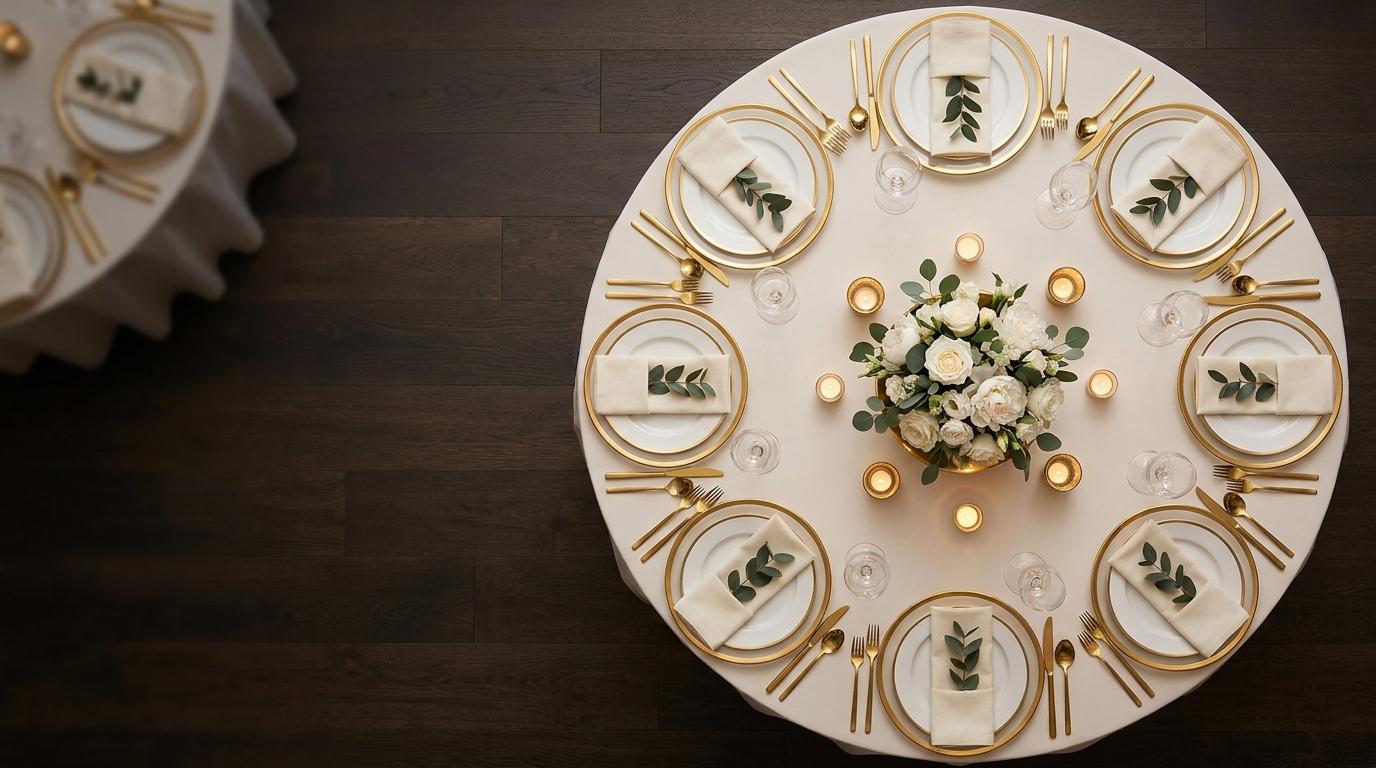
When should you do the wedding seating plan?
Do the seating plan once you know who's coming, which means after the RSVP deadline. That usually falls 4 to 6 weeks before the wedding. You can make a draft earlier: split your guests into groups and agree the table layout with the venue. Wait until the replies are in, though, before you put names at specific tables.
Venues usually ask for final numbers about 2 weeks before the wedding and for the seating plan a few days before. Check these dates in your contract, because they decide when you have to be finished. Print the place cards and the seating board at the very end, when nobody is going to cancel anymore.
Your seating plan timeline
From RSVPs to place cards
6 weeks before
RSVP deadline
4 weeks
Groups and table layout
3 weeks
Guests at tables
2 weeks
Final numbers for the venue
1 week
Seating plan to the venue
3 days
Place cards and board
Which table layout: round tables, U-shape or long banquet tables?
Before you start seating guests, agree the table layout with the venue. It decides how many people sit at each table, who your guests will talk to and who can see the two of you.
| Layout | When it works | What to watch out for |
|---|---|---|
| Round tables, usually 8 to 10 people each | large rooms and weddings where guests should chat in small groups | you need whole groups of 8 to 10, and talking to the next table is harder |
| U-shape | weddings of up to about 80 guests, where the couple can see everyone | guests sit in a row and mostly talk to the people beside and opposite them |
| Long banquet tables in rows | big weddings, rustic venues and barns | it's easy to feel left out at the ends, so seat close-knit groups there |
| Mixed layout | a head table at the front and round tables for the guests | make sure no guest sits with their back to the couple |
At a rectangular table, allow about 60 cm (24 in) per person. A round table 150 cm (5 ft) across seats 8 comfortably, and one 180 cm (6 ft) across seats 10.
Table layout
The same room in four layouts
Round tables
Small groups of 8 to 10 at each table. Everyone can see everyone else at their table, and the conversation flows on its own.
U-shape
One table shaped like a U. The couple sits at the head and sees everyone, and the middle stays free for the first dance.
Long banquet tables
Long rows, like a country feast. They fit the most guests, and the ends of the tables are best for a close group of friends.
Mixed layout
A head table at the front and round tables for the guests around the dance floor. The most popular choice for larger weddings today.
Where do the couple, the parents and the wedding party sit?
The couple sits where they can see the whole room and every guest can see them: usually at a separate head table along the shorter wall or at the top of the U. The maid of honor and best man usually sit beside them, sometimes with their partners. More and more couples choose a sweetheart table just for two, and then the wedding party sits with their friends.
Parents sit closest to the couple: at the head table or at the first tables. A shared table for both sets of parents and the grandparents works well. If you've invited the priest or officiant to the reception, seat them at the parents' table.
If the parents are divorced, don't force them to sit side by side. Each of them can have their own table near the couple, with their own close family and new partner. Talk to them about it early, so nobody feels pushed aside.
10 rules for seating wedding guests
- Everyone knows at least one person at their table. Nobody should be surrounded by strangers.
- Couples sit together. A plus-one sits next to the guest they came with, not at another table.
- Seat guests by group. Family, college friends, work friends, neighbors. Groups that will get along can share a table.
- Older guests away from the speakers. Grandparents would rather sit near the couple, the exit and the restrooms than next to the DJ's speakers.
- Young people and the best dancers near the dance floor. The floor fills up faster, and quieter guests can actually talk.
- Little ones sit with their parents. You can set up a kids' table for older children, but close to their parents' tables and within sight.
- Split up guests who don't get along. Put them at tables on opposite sides of the room, so they don't sit facing each other.
- Skip the singles table. Seat single guests with their friends. A table for the unattached usually feels more awkward than fun.
- Seat guests who have trouble walking near the entrance. The same goes for parents with babies, who will be stepping out now and then.
- Give the photographer, videographer and DJ their own table. They need to eat too. Put them at a small table with a view of the room, so they don't miss a key moment.
Your wedding seating plan, step by step
- Collect the RSVPs. Work only from the list of guests who have said yes, including children and plus-ones.
- Split guests into groups. The bride's family, the groom's family, friends, work, neighbors. Write down how many people are in each group.
- Count the tables. Divide the number of guests by the seats per table and add one spare table for last-minute changes.
- Start with the head table and the parents. Then seat close family, then friends, and everyone else last.
- Fill tables with whole groups. If a group won't fill a table, pair it with another that has something in common, for example college friends with work friends of a similar age.
- Check every table against the rules. Go through the tables one by one with the 10 rules from the previous section.
- Number or name the tables. Numbers are easiest for the waiting staff. Names, such as cities you've visited together, are a lovely touch, but a number still helps.
- Show the plan to your parents and send it to the venue. Only then print the place cards and the seating board.
Seating plan on paper, in Excel or in an online planner?
Paper and sticky notes are fine for a first draft, but every change means rewriting. An Excel spreadsheet helps you count seats, but it doesn't show the room, and the guest list and the plan quickly stop matching when someone cancels.
In an online planner you drag guests onto tables with a mouse or a finger, and a counter at each table shows the empty seats. In the seating planner in Weddie, guests wait in a pool straight from your guest list, and replies to the online invitation update their status right away, so you can see who still needs a seat. You can also arrange the tables on a 2D floor plan and in a 3D view to see who's by the dance floor and who's by the exit. Try it right now in the seating planner demo, no account needed.
The seating planner is part of the wedding planner in Weddie, together with the guest list, budget, to-do list and online invitations with RSVP.
Seating planner
Drag a guest onto a table and the counter does the math
Unassigned guests
Rachel Green
Sarah Mitchell
Tom Bailey
Family table
(2)
Emma Thompson
James Wilson
Friends table
(1)
Oliver Davies
Drag a guest to a table
How will guests find their seat at the reception?
The most popular option is a seating board at the entrance to the room, with names in alphabetical order or by table. Place cards with names sit on the tables, and at a big wedding, table numbers or names you can read from a distance help too.
More and more couples also show the seating plan on guests' phones. The online wedding invitation in Weddie has a “Find your seat” section: a guest types their name and sees their table on the floor plan along with who's sitting next to them, and in a personal invitation their seat is highlighted right away. The plan comes straight from the seating planner, so a last-minute change shows up in the invitation instantly. A QR code at the entrance is all it takes, and nobody queues in front of the board.
On the wedding day, guests also have the Weddie wedding app on their phones: a shared gallery where they add photos and videos from the whole day, the schedule, the menu and song requests for the DJ.
In the online invitation
A guest types their name and sees their table right away
- 1
The guest types their name
- 2
Sees their table on the floor plan
- 3
Checks who's sitting next to them
Wedding seating FAQ
A seating plan that adds up on its own
Your guest list, RSVPs from the online invitation and the floor plan in one place. Drag guests onto tables, and they'll find their seat on their phones.
See the wedding planner