
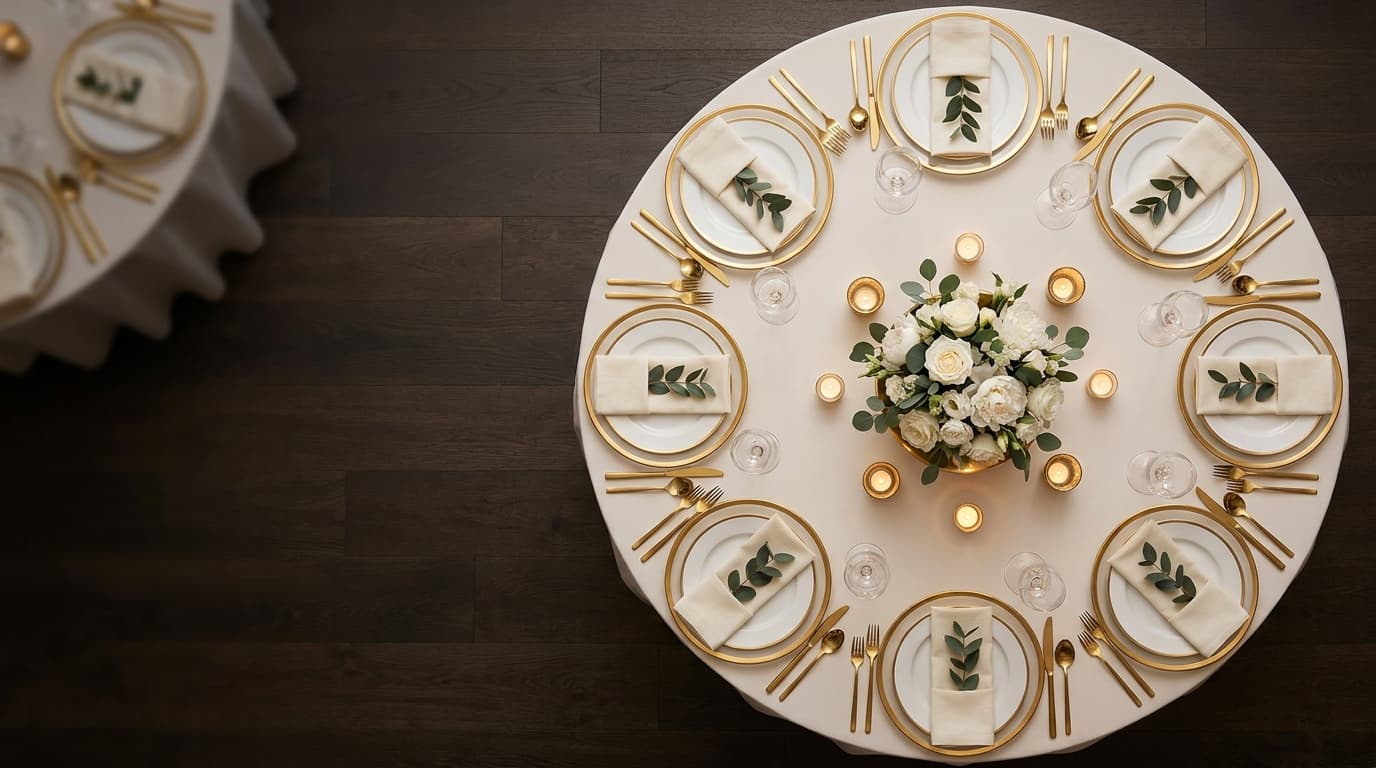
Seating Chart
Wedding Seating Chart - Interactive Guest Arrangement Planner
Table planner — drag and drop
Arrange guests at tables using an intuitive drag & drop interface. Pick guests from the list and simply drag them to the right table. Rearrange any time — it's that easy.
Intuitive drag and drop interface
Guests from your list ready to assign instantly
Create and name tables with one click
Unassigned guests
Rachel Green
Sarah Mitchell
Tom Bailey
Family table
(2)
Friends table
(1)
Drag a guest to a table
Try the table planner right here
It's a fully interactive demo — lay out tables, add the dance floor and bar, seat your guests, then see the whole room in 3D.
What is the Seating Chart in Weddie?
Drag & Drop - Move Guests Effortlessly
How Does the Seating Planner Work?
Move Guests Between Tables in Seconds
Integration with Guest List

Who Is the Seating Planner For?
Common Questions About the Seating Chart
Yes! The seating planner works on phone, tablet, and desktop. Drag & drop supports both mouse and touch - you can drag guests with your finger on touchscreens.
No! You can add guests directly in the seating planner - they'll appear both at the table and on the main guest list. But if you already have a guest list - everyone automatically appears in the pool to assign.
Young children (up to 5-6 years) - definitely yes. Older ones can sit at a kids' table if they know each other, but always with an adult supervisor nearby. In the planner, you can easily move children between tables until you find the optimal arrangement.
No limit! Create as many tables as you need - the system handles both intimate 20-person receptions and large 300-guest weddings.
Discover More Wedding Planner Features
Plan Your Seating with Weddie
Interactive seating planner with drag and drop. Try it free!