
Wedding planning
Wedding vendors — manage them in your wedding planner
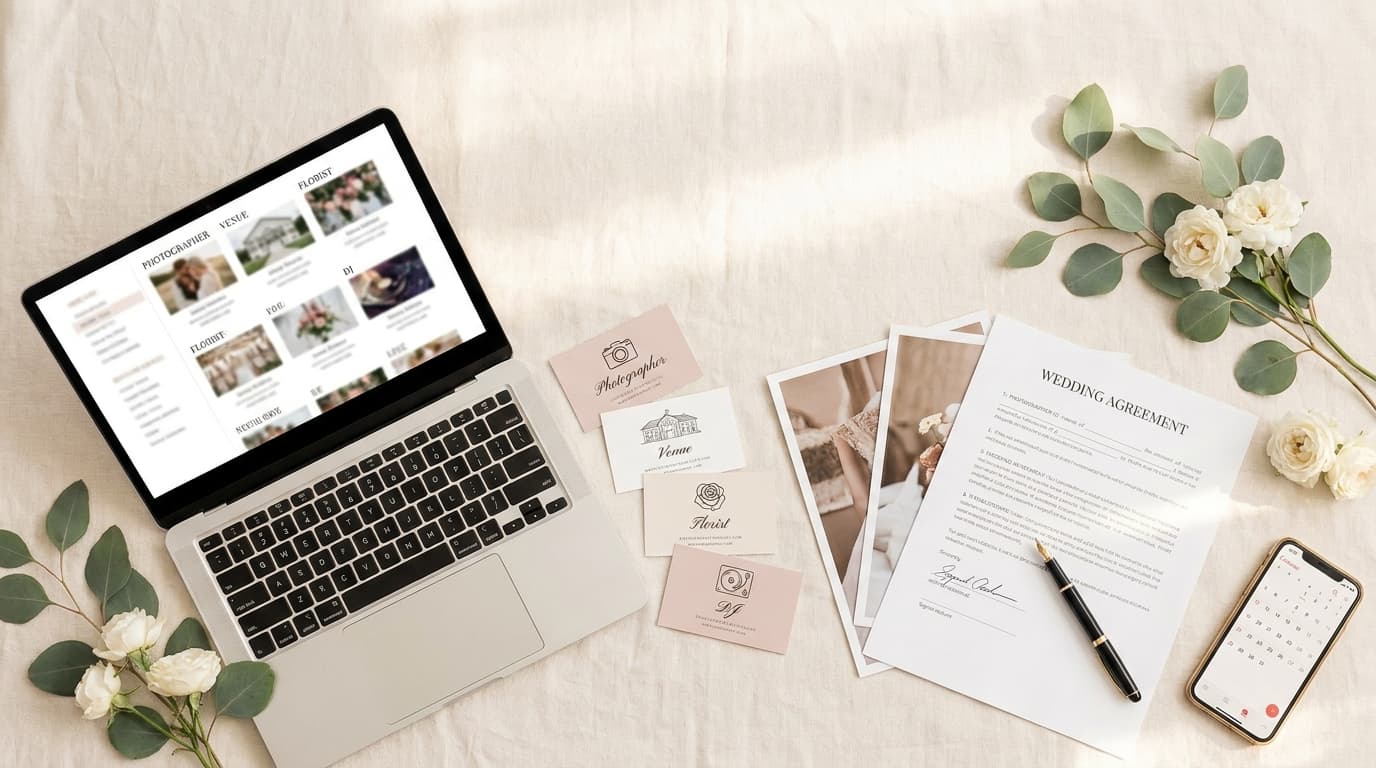
Wedding vendors are all the businesses working on your wedding — photographer, venue, DJ, florist and more. In Weddie.app you manage them in one wedding planner: contacts, notes, contracts and costs in a single place.
All your vendors in one place
Photographer, venue, DJ, florist... Keep their contact details, notes and contracts in one tidy place.
Contacts and notes
Phone, email, website/Instagram and notes from every chat — all at hand.
To-do list
For each vendor, tick off whatever still needs sorting out with them.
Linked to your budget
Enter a vendor's cost once — it shows up in your budget automatically.
Contracts at hand
Add a link to the contract to keep every agreement in one place.
Evergreen Photography
Photographer
$6,000
ContractRosewood Manor
Venue
$17,500
ContractDJ Soundwave
DJ
$4,500
All your wedding vendors in one place
Planning a wedding means dozens of conversations, quotes and arrangements with different businesses. It's easy to lose track among emails and notes on your phone. The vendor list in Weddie.app gathers everything in one place — from first contact to a signed contract and a paid deposit.
For each vendor you can save the name, type (photographer, venue, DJ...), phone, email and website or Instagram — and you can open a number or email with one tap, even from your phone on the wedding day.
Notes and contracts at your fingertips
After each meeting you can save what you agreed in the notes and paste a link to the contract (e.g. from Google Drive). That way nothing gets lost, and comparing offers becomes effortless.

A to-do list for every vendor
For each vendor you can add a mini-checklist of things to sort out, so nothing is forgotten:
- sign the contract,
- pay the deposit,
- send the guest count,
- confirm the timings.
Tasks linked to vendors are added and synced automatically with your wedding to-do list — tick them off in one place and the status updates everywhere. Nothing slips between the vendor list and your overall wedding checklist.
Costs linked to your wedding budget
For each vendor you enter how much they cost — and the amount goes straight into your wedding budget. The cost is saved in one place and synced between the vendor list and the budget, so the numbers always match.
Why keep your vendors in a wedding planner?
Notes on your phone, emails and Excel spreadsheets quickly get out of sync, and the closer the wedding, the easier it is to overlook something. Keeping all your wedding vendors in one wedding planner means contacts, contracts, arrangements and costs are in a single place — accessible from your computer and phone, even on the wedding day.
It genuinely saves time and nerves: you don't dig through emails for the photographer's number, you can see at a glance who you've already paid a deposit to, and you don't double up costs across two spreadsheets. It's all part of one consistent way of organising your wedding — exactly as it should be.
- one place instead of several apps and bits of paper,
- contracts and arrangements always at hand,
- costs automatically tied to the budget,
- access from your computer and phone.
Part of a complete wedding planner
The vendor list is part of the wedding planner in Weddie.app. Alongside it you'll find your wedding budget, guest list and an AI assistant to help you handle the whole wedding.
Frequently asked questions about wedding vendors
It's where you keep all your wedding vendors — their contact details, notes, contracts and costs. That way the whole organisation of your wedding stays in one place.
Yes. For each vendor you can enter their cost, which automatically appears in your wedding budget. The amount is saved in one place and synced between both tools.
Yes. For each vendor you can add a link to the contract (e.g. from Google Drive or Dropbox), notes and a mini-checklist of things to sort out.
Yes. Weddie.app works in your browser on both computer and phone, so your vendor details, contracts and arrangements are always with you — even on the wedding day.
Take control of your wedding vendors
Create a free Weddie.app account and keep all your vendors, costs and arrangements in one place.