
Wedding Invitations · 9 min read
How to Make Online Wedding Invitations and Send Them to Guests
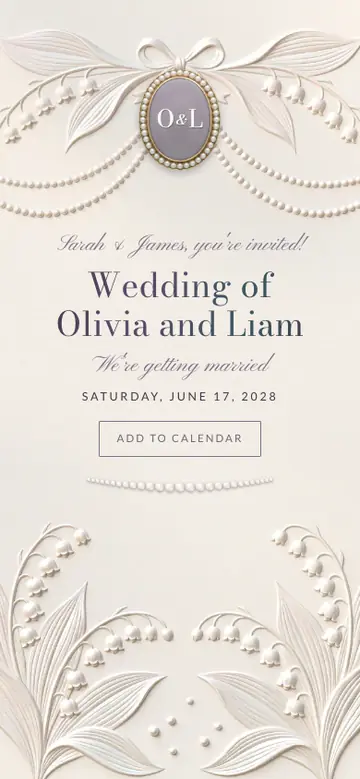
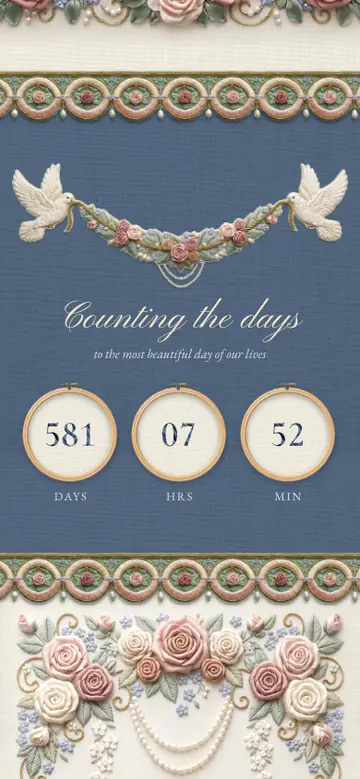

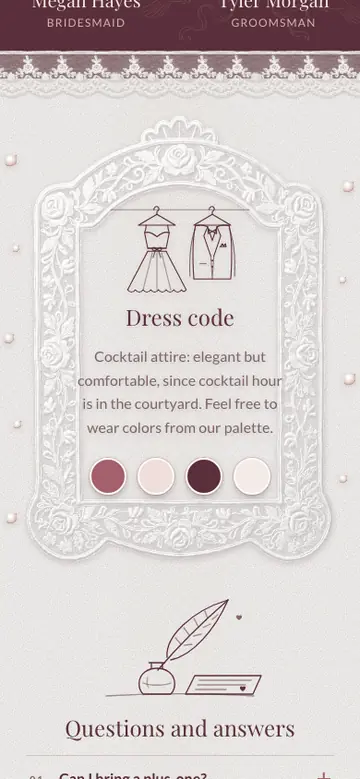

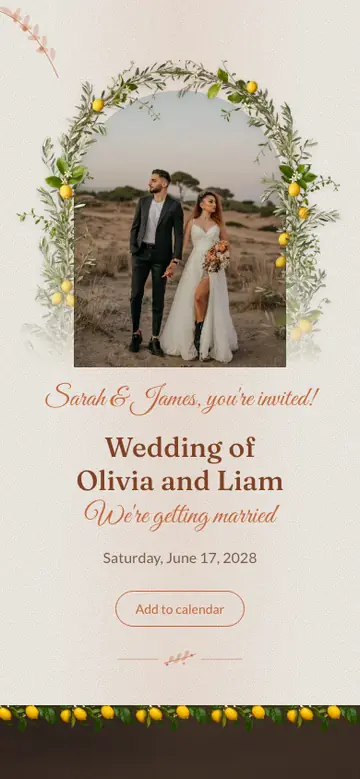


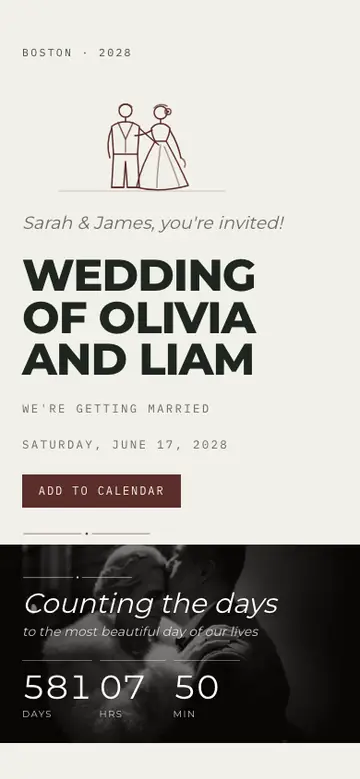
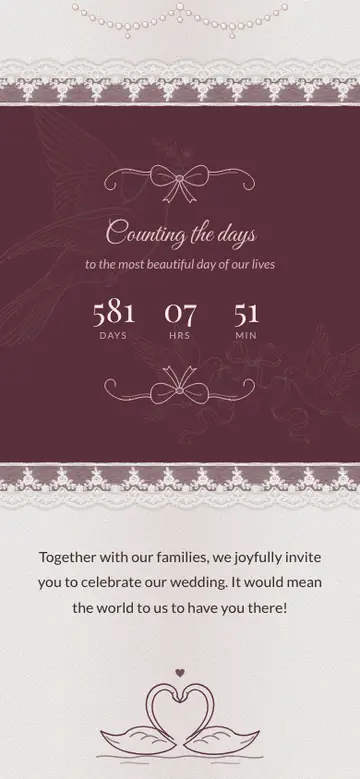
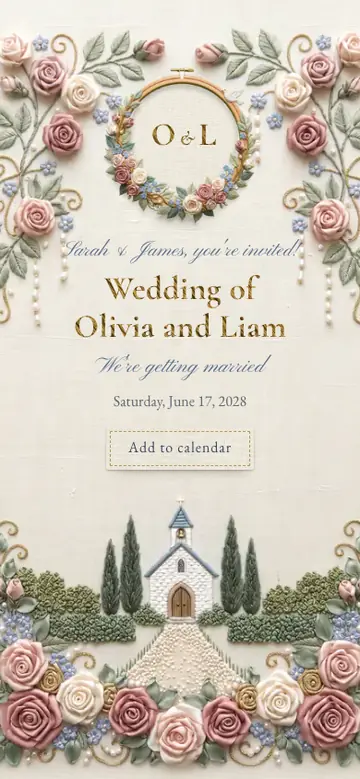
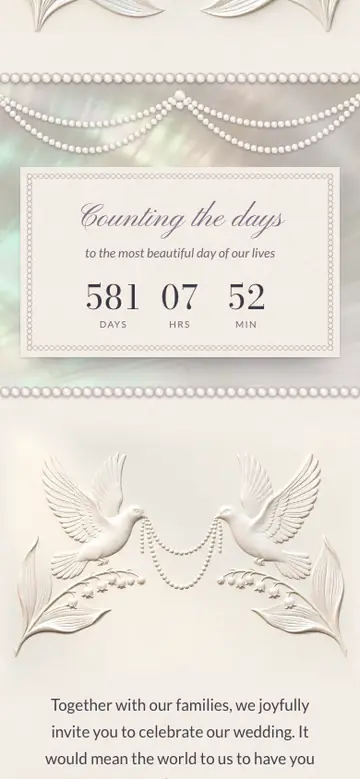
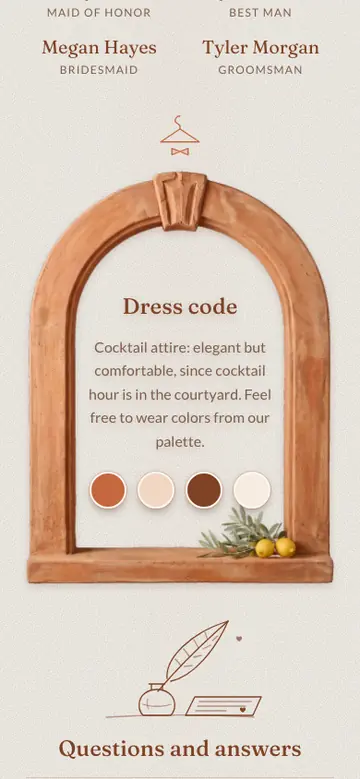
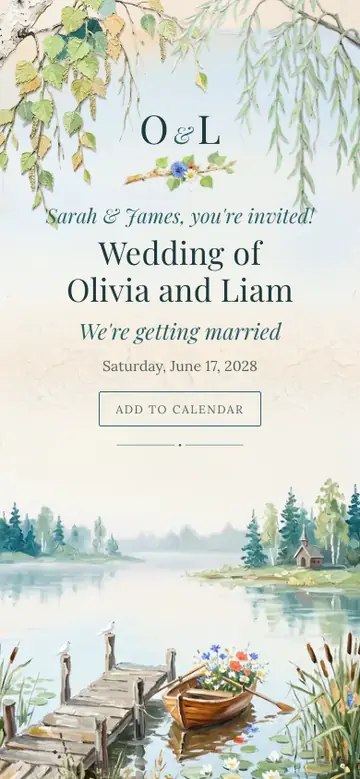


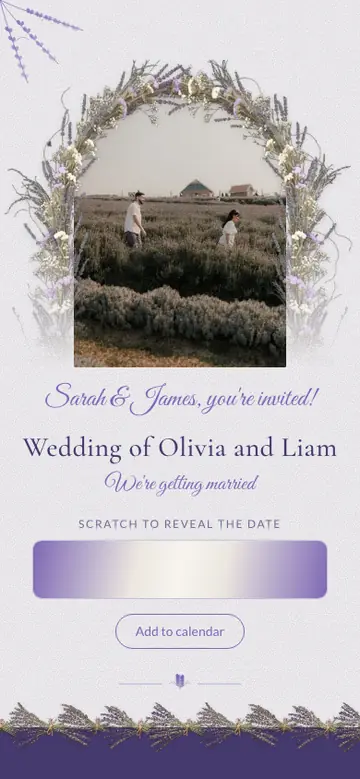
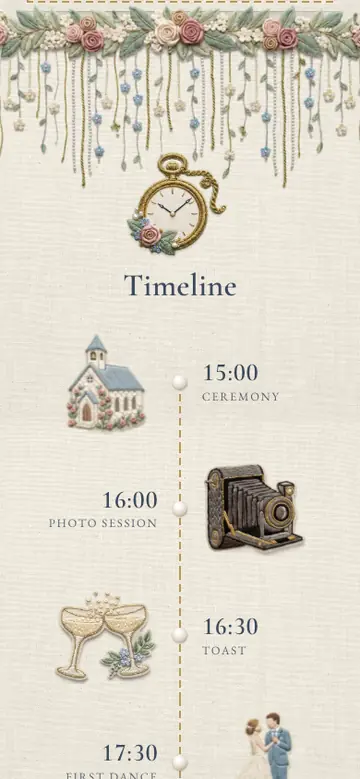

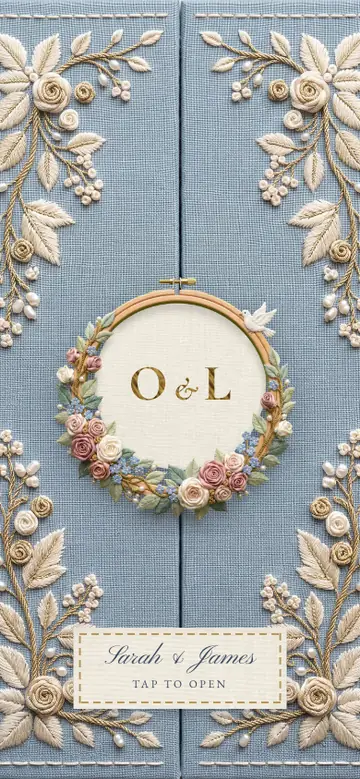

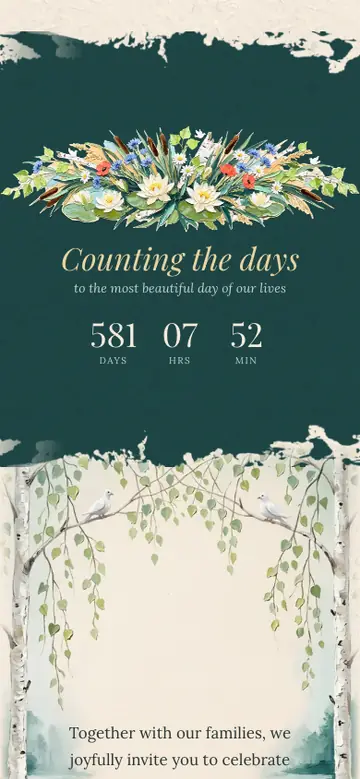
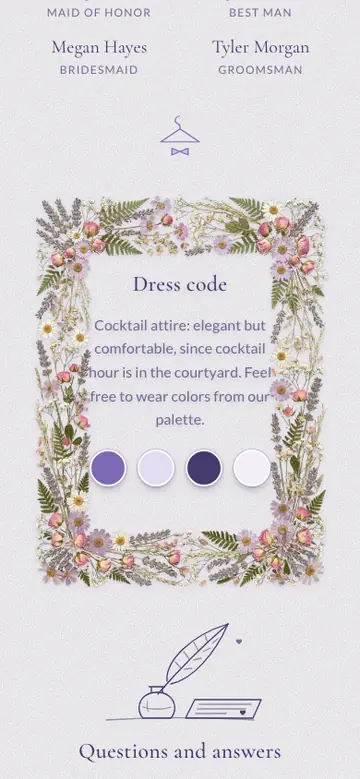
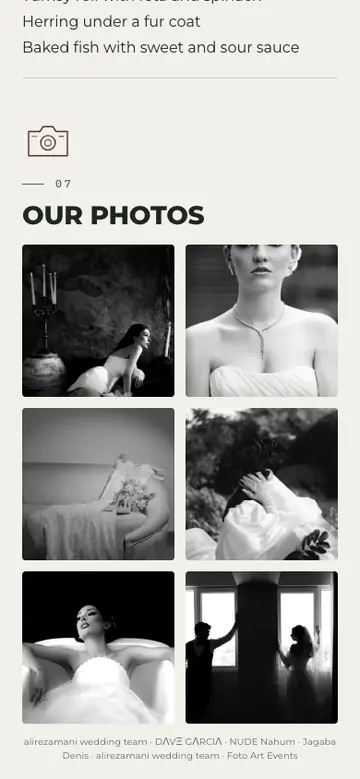
What is an online wedding invitation (and why it's not a picture on WhatsApp)
“Online wedding invitations” can mean two very different things:
- A graphic: an invitation designed in a graphics app and sent as an image or a PDF. It looks nice, but it's just a file. It can't collect RSVPs or show a map, and once it's sent, you can't fix it.
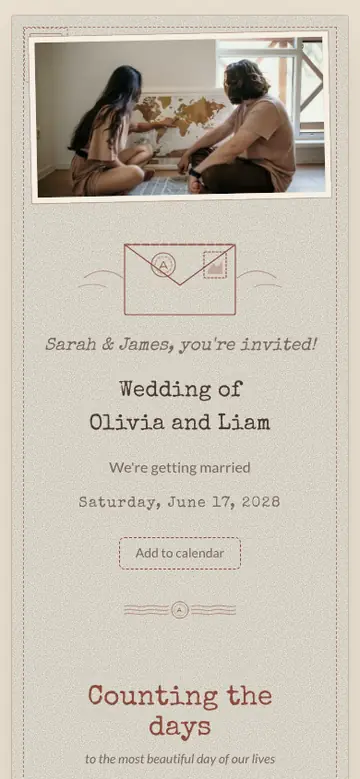
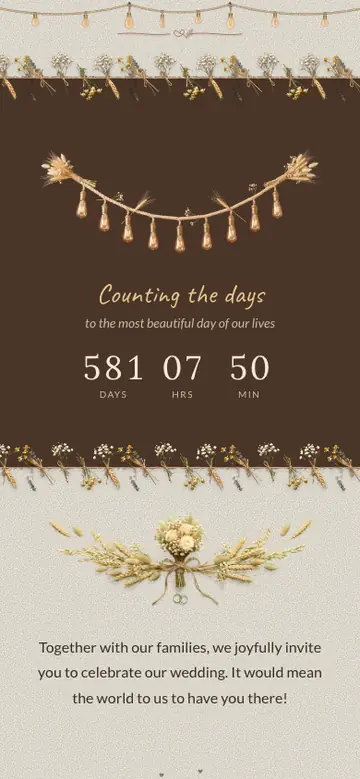
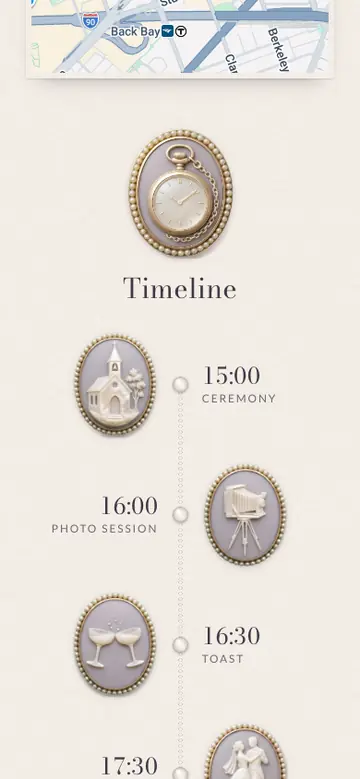
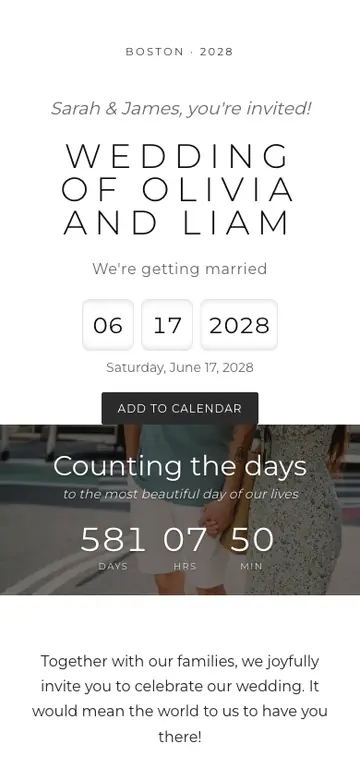
- An invitation as a web page: a link that opens in the phone's browser. It has your theme and wording, plus the schedule of the day, a map with directions, hotels and a form where guests RSVP. Every guest can get their own link, so the invitation greets them by name, and with the “Add to calendar” button they can save your wedding date in their own calendar.
This guide is about the second kind, because only that one replaces a paper invitation along with its reply card and inserts. That's how online wedding invitations with RSVP work in Weddie: guests RSVP right in the invitation, and their replies land on your guest list instantly.
Is it OK to send wedding invitations online?
Yes, inviting guests to your wedding online is a perfectly normal way to invite people today, especially friends, siblings and guests who live far away. A few rules make sure nobody feels like an afterthought:
- Invite your closest family in person. Parents, grandparents and godparents often expect a visit or a call. The link can come on top of that conversation, not instead of it.
- One guest at a time. An invitation dropped into a group chat looks like an announcement. A personal link in a private message looks like an invitation.
- A few words from you. A bare link with no message looks like spam. Two sentences from you are enough, and you'll find ready-made examples below.
- Paper for those who need it. Give a grandmother who doesn't use a smartphone a paper card with the key details. A QR code printed on the card helps the relative who shows her the rest. What to keep on paper and what to move online is covered in our article on what to include in a wedding invitation.
How to make an online wedding invitation in 6 steps
- Gather the details. Date, times, addresses and the RSVP deadline, plus answers to the questions guests will ask: directions, parking, hotels, transportation, dress code and gifts.
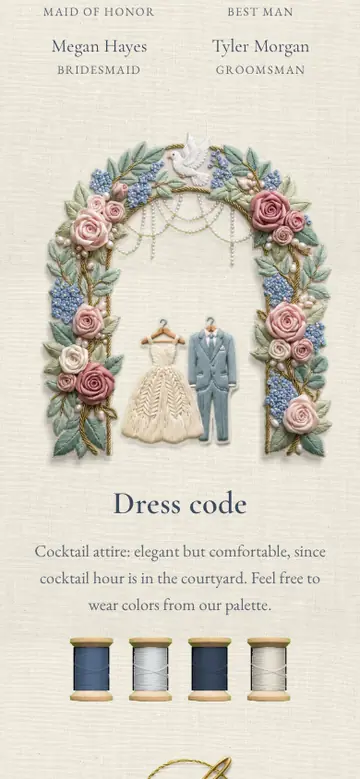
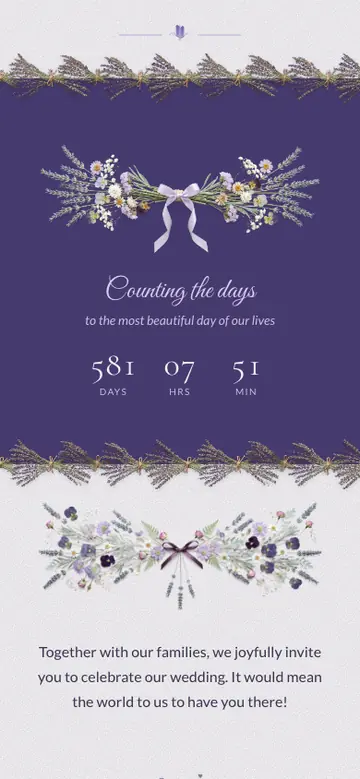
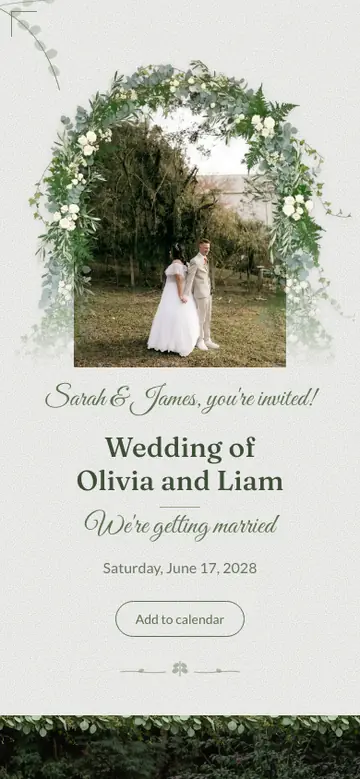
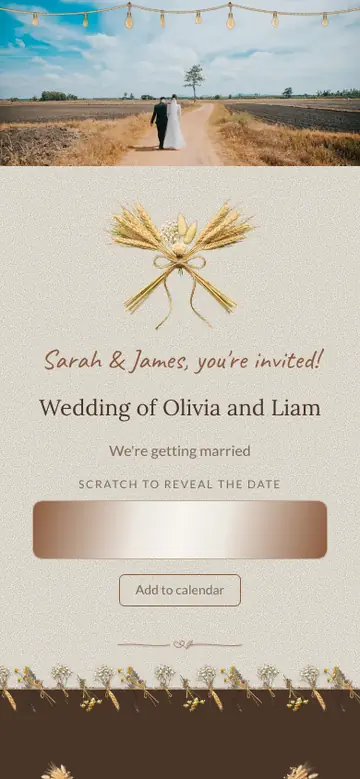
- Choose a theme. The theme sets the colors, fonts and decorations of the whole invitation. Weddie has more than 20 themes, from classic elegance to painted landscapes and embroidery. You can switch themes at any time without retyping your text.
- Write your wording and arrange the sections. A welcome message, venues with a map (including the hotel for guests), the schedule of the day, the menu, dress code, gifts, FAQs, phone numbers for the maid of honor and best man, your story, a countdown to the wedding and, right before the big day, the seating chart. Drag sections to reorder them, and simply switch off the ones you don't need.
- Set up the RSVP form. Beyond a simple “yes” or “no”, ask about dietary needs, allergies, plus-ones and accommodation. You can add up to 20 questions of your own, but five or six are plenty.
- Add your guests and prepare personal links. Every guest gets their own link with a greeting by name, and if you're sending paper too, you can download their personal QR code from your dashboard. A couple or a family can share one link, and each member of the household replies for themselves.
- Check the invitation on your phone. Open it yourself, then send it to your maid of honor or best man first. If they ask about anything, add it before the invitation goes out to all your guests.
You can start on the theme, wording and sections right now: in our wedding invitation maker, you design your own wedding invitation with no sign-up and no credit card, and your design is saved in your browser and moves to your account when you buy a package.
6 steps in practice
See how an invitation comes together
Tap a step to see how it looks on the phone.
1. Gather the details
Dates, addresses and answers to guests' questions in one place.
Online wedding invitation wording: examples for the invitation and the message
The wording of an online invitation can be shorter than on paper, because the details have their own sections. A greeting and the invitation itself are enough. Three examples:
Classic
“We joyfully invite you to our wedding on Saturday, June 12, at 3:00 PM at St. Mary's Church in Chicago, followed by the reception. It would mean so much to us to share this day with you. Emma and Jack”
Casual
“We're getting married! On June 12 we're celebrating with the people we love most, and you're one of them. Everything you need to know is below. See you on the dance floor! Emma and Jack”
Save the date
“Save June 12 for us. We're getting married, and your invitation with all the details will follow in the spring. Emma and Jack”
Add a short personal message to the link itself, for example:
“Hi Hannah! We're getting married and we'd love you to be there. Here's your invitation, with the schedule of the day, directions and hotels. Let us know by April 30 if you can make it. Emma and Jack”
Give older relatives a heads-up by phone, for example “We're texting you a link to the invitation, everything's in there.” That way the message with the link won't come as a surprise or look suspicious.
Message with the link
What guests see when the invitation arrives
- 1
You send the link and two sentences of your own
- 2
The guest sees a preview and opens it with one tap
- 3
The RSVP goes straight to your guest list
Guest list
Sarah & James
2 guests · vegetarian
How to send online wedding invitations: text, WhatsApp, Messenger, email or QR code
You send an online invitation as a link in a private message: by text, WhatsApp, Messenger or email, because a link works in any messaging app. Send it to each guest wherever they actually chat, and feel free to mix channels: WhatsApp for your cousins, a text for your aunts, and a paper card with a QR code for your grandparents.
| Channel | Works best for | Watch out for |
|---|---|---|
| Text message (SMS or iMessage) | Reaches everyone, including older guests | A bare link looks suspicious, so start with a sentence of your own |
| Family, friends and guests abroad | Send it to each guest individually, not to a group | |
| Messenger | Friends you already chat with there | A message from someone who isn't a Facebook friend can land in the message requests folder and go unnoticed |
| Guests who check their inbox every day | It can end up in spam, so ask whether it arrived | |
| QR code on a card | When you're also sending a paper invitation | The key details still need to be printed |
Whatever the channel, every guest should get their own link, and a family can share one in which each member of the household replies separately. That way you know who has already replied and who needs a reminder.
When to send online wedding invitations
Online wedding invitations go out 8 to 12 weeks before the wedding, and the RSVP deadline is set 4 to 6 weeks before it. The full timeline:
- Save the date: 6 to 8 months before the wedding, or even earlier for a destination wedding.
- Invitation: 8 to 12 weeks before the wedding.
- RSVP deadline: 4 to 6 weeks before the wedding.
- Reminder: one week before the RSVP deadline, only to those who haven't replied yet.
Here an online invitation has one advantage over paper: you can send it before everything is finalized and fill in the details later. How to set the reply deadline and what to do about late responders is covered in our wedding RSVP guide.
Sending timeline
From save the date to the wedding
6 to 8 months before
Save the date
8 to 12 weeks before
Invitation
5 to 7 weeks before
Reminder for late replies
4 to 6 weeks before
RSVP deadline
1 week before
Final details in the invitation
The big day
Wedding
How much do online wedding invitations cost?
The price of an online wedding invitation depends on whether it's just an image or a web page with RSVP:
- A graphic from a free design app costs nothing, but it's only a picture: no RSVPs, no map and no changes after sending. You'll be collecting replies by phone.
- An invitation website with RSVP is usually paid, either once or by subscription. Check whether the price includes personal links, the RSVP form and changes after sending.
In Weddie, you can design your invitation for free, with no sign-up and no credit card, but sending it to your guests and collecting RSVPs requires a one-time package purchase, with no subscription. You'll find current prices on our pricing page.
Digital wedding invitations are part of the wedding planner in Weddie, so the same package includes your guest list, seating chart, budget and checklist. As part of a promotion, you also get the wedding app for the big day free: guests scan a QR code and add their photos and videos to a shared gallery.
Common mistakes with online wedding invitations
- One link posted to the family group chat. You can't tell who replied for whom, and nobody feels personally invited.
- No RSVP deadline. Without a date, guests put off replying. Include the deadline both in the invitation and in the message with the link.
- A form that's too long. Ten questions are off-putting. Ask only what you really need.
- An invitation sent as a PDF. A file can't change after it's sent, and on a phone guests have to pinch to zoom.
- Forgetting older guests. If someone doesn't use a smartphone, a paper card or a phone call is a must.
- Sending without checking. You can fix a typo in the venue address in a minute, but it's better if guests never see it at all.
FAQs about online wedding invitations
Start with the design
Choose a theme, write your wording and see the phone preview. No sign-up, no credit card.
Design your invitation