

Wedding Inspiration
QR Code at Wedding - 10 Creative Ideas
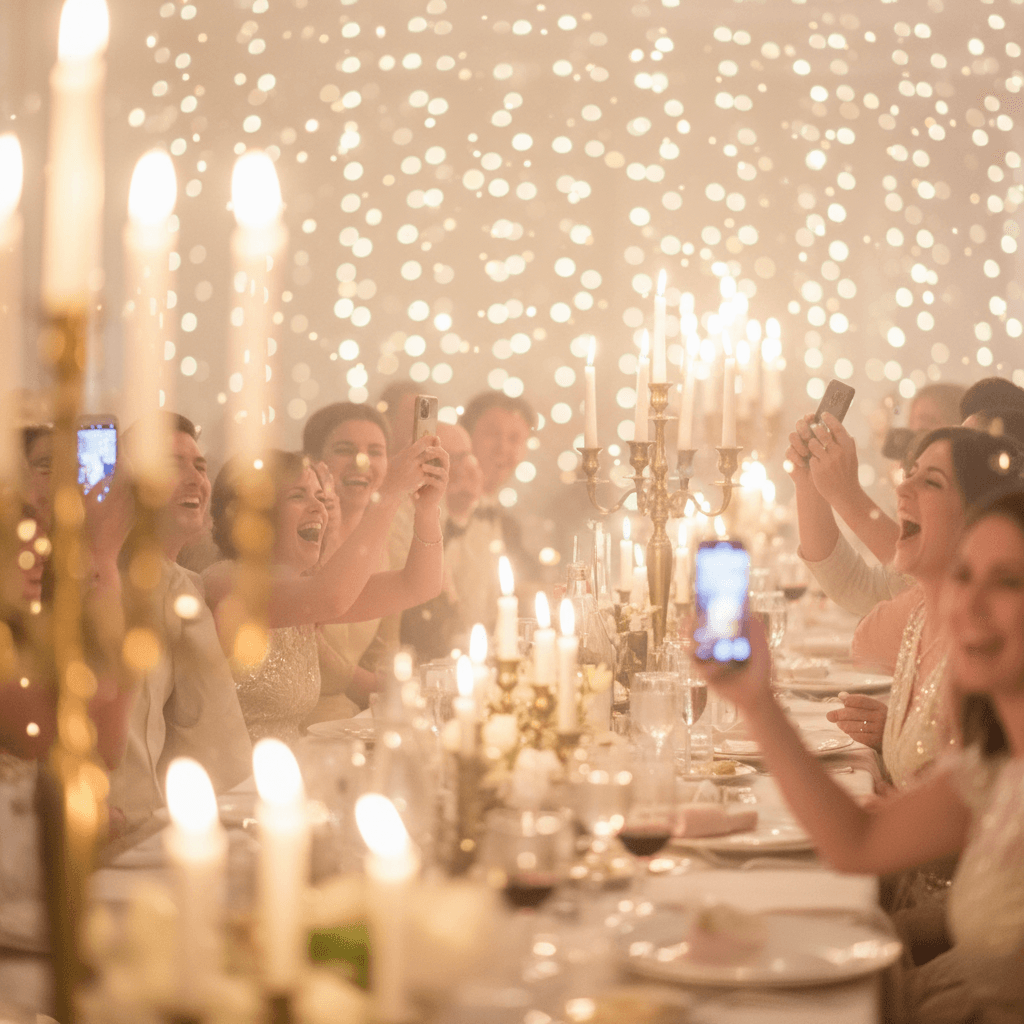
1. Shared Photo Gallery via QR Code (must-have!)
Why it works:
- Zero apps to download - guests just scan and upload
- Much better quality than WhatsApp
- You'll collect an average of 600-800 photos at your wedding
- Guests can see others' photos too - builds atmosphere
2. Digital Wedding Menu via QR
- Savings - no printing costs
- Flexibility - you can change the menu the day before
- Eco-friendly - zero paper waste
- Convenience - guests always have the menu handy
Bonus: You can add allergen information for each dish!
3. Wedding Timeline for Guests
- 5:00 PM - Ceremony
- 6:00 PM - Photo session, guests: welcome drinks
- 7:00 PM - First dance
- 8:00 PM - Dinner
- 11:00 PM - Cake cutting and bouquet toss
4. Music Requests for the DJ
How it works:
- Guest scans QR
- Types in the song title they want to hear
- DJ sees all requests in a list on their phone/laptop
- Can check off which ones they've played
Benefits for you: You can block certain songs before the wedding (ones you absolutely don't want!) 😄

5. RSVP and Attendance Confirmation
- Guest scans code from invitation
- Fills out form: number of people, dietary preferences, allergies
- You see everything in the dashboard - no manual note-taking
- Guest responds when convenient (no need to catch them by phone)
- Everything in one place
- Automatically know how many vegetarians, how many kids, how many with allergies
6. Directions to the Wedding
- One code for ceremony location (church/courthouse)
- Second code for reception venue (if different)
- On the wedding invitation
- On the wedding website
- In a pre-wedding SMS
7. Digital Guest Book with Wishes
- Guests can write longer wishes (not limited by space)
- Can add a photo to their message
- Shy guests find it easier to write than speak
- Everything collected digitally - you can print as an album
8. Wedding Hashtag and Social Media
- QR leads to a page with the hashtag
- Guest copies hashtag with one click
- Opens Instagram and pastes
Note: Hashtag is an addition, not a replacement for a wedding gallery! Instagram compresses photos and they're public. For your real photo collection, use the Weddie gallery.
9. Wedding Registry via QR
- Link to Amazon/Target registry
- Account number for honeymoon fund contributions
- Link to crowdfunding for specific goal (house, car)
10. Practical Information for Guests
- Dress code and what to wear
- Where to leave gifts
- Wedding party contact for questions
- Hotel info for out-of-town guests
- Brief day schedule
In Weddie: You can create a complete wedding page with all this information - guests scan one code and have access to everything!
Common Questions About QR Codes at Weddings
Yes! In Weddie, one QR code gives access to everything - photo gallery, menu, timeline, music requests. Guest scans once and has access to all features you've enabled.
In Weddie, you download the QR code as an image (PNG) and add it to your Canva or other design software project. We also have ready-to-print card templates you can download immediately and take to a print shop.
Scanning a QR code requires internet (guests open a webpage). But most wedding venues have WiFi, and if not - guests can use mobile data. Weddie is optimized to work even with slower connections.
In Weddie, all features (gallery, menu, timeline, music) are included in the package. The basic package is $99 for the entire wedding - no hidden fees, no scan limits.
Yes! QR scanning is now a standard feature in every smartphone - just open the camera. To be safe, ask your wedding party to help older guests with their first scan. After one time, they know how it works.
Ready for a modern wedding?
Weddie gives you all these features in one place - one QR code, dozens of possibilities. Create a free account and test it!