
Wedding photos · 6 min read
Wedding photo booth vs photo sharing app: comparison and prices


Photo booth or app: the short answer
If you want an attraction where guests goof around in costumes and take a print home, choose a photo booth. If you want every photo your guests take on their phones, from the ceremony to the last dance, choose a photo sharing app. You'll get the most by combining the two, because they don't rule each other out.
A photo booth gives you a few hours of fun and a few dozen posed portraits. An app gives you photos from the whole day, from every spot and every phone, including the candid ones nobody posed for.
Photo booth vs photo sharing app: comparison table
| Feature | Photo booth | Photo sharing app |
|---|---|---|
| What you get | posed portraits with props, usually with prints | candid photos and videos from guests, all day |
| When it works | usually 2 to 4 hours in the evening | from the ceremony until morning, and the day after too |
| Who takes the photos | guests at the booth, from one corner | every guest on their own phone, anywhere |
| Prints | yes, on the spot | no, files only |
| Photos after the wedding | an online gallery from the operator, if it's in the package | everything in one gallery, downloadable at once |
| Cost | you pay for hours of service, usually a few hundred dollars, pounds or euros and up | once for the whole wedding, bundled with other features |
| Space at the venue | needs a corner, power and an attendant | takes up no space, a QR code on the tables is enough |
How much does a wedding photo booth cost?
Photo booth prices vary by region, equipment and package. As a rough guide:
- a classic photo booth with an attendant and prints: usually from a few hundred to about a thousand dollars, pounds or euros for 3 to 4 hours,
- a 360 photo booth with a rotating platform and short videos: often noticeably more than a classic booth,
- a magic mirror, a touchscreen set in a mirror frame: usually in a similar range to a staffed photo booth,
- each extra hour: charged on top, so ask for the hourly rate up front.
When you ask for a quote, check whether the price includes travel, setup outside the party time, unlimited prints, props and an online gallery after the wedding. If setup counts toward the hours you pay for, it can cut into your guests' fun.
What does a photo sharing app give you at a wedding?
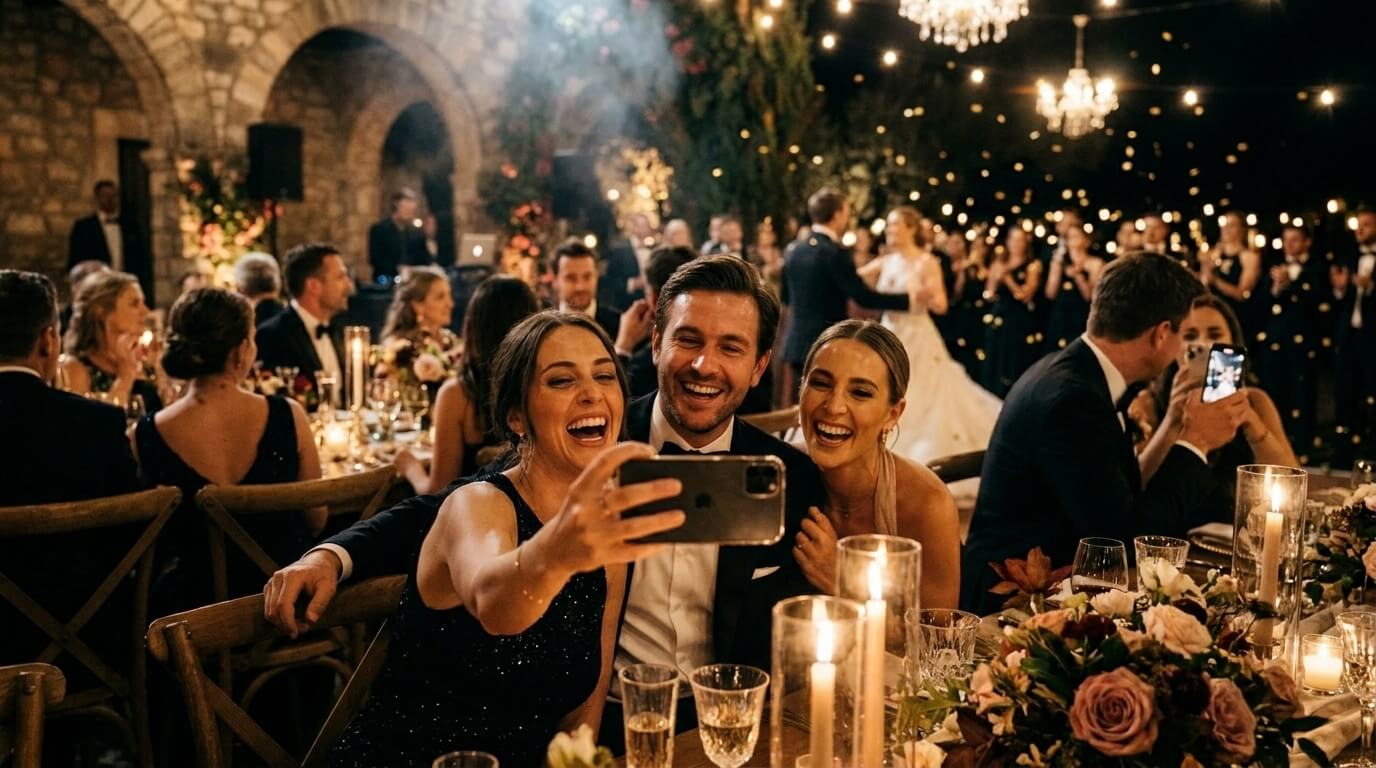
A wedding photo sharing app is a shared gallery where guests add photos and videos from their own phones. They scan the QR code on the table and upload, with no app to install and no account to create. That gives you:
- photos from the whole day, not just a few hours at the booth: the ceremony, the speeches, the dancing and the day-after brunch,
- shots from every corner of the venue, including the ones the photographer misses,
- videos, like the first dance or the speeches,
- everything in one place, in original quality, downloadable as a single file after the wedding.
That's how the Weddie wedding photo gallery with a QR code works. The app also has photo bingo, which turns taking photos into a game, so guests take more of them and with more enthusiasm.
The guest's view
How guests add photos
Tap a step to see it on the phone.
1. Scans the QR code on the table
The phone camera opens the gallery, no app or account.



When to choose a photo booth, an app, or both
Pick the situation that's most like your wedding:
A photo sharing app
If you can only have one, the app gives you more: photos from the whole day and from every phone, with no queue at the booth. Photo bingo brings the fun a photo booth would.
How to combine a photo booth with a photo sharing app
If you have both, get the photo booth pictures into the shared gallery too:
- ask the photo booth operator for the files or a link to their gallery right after the wedding,
- add them to the shared gallery through the same QR code your guests use, so everything is in one place,
- put a QR code sign next to the booth: guests who've just had their picture taken will happily add their own from their phones,
- after the wedding, send guests one link to the whole gallery instead of several different ones.
We compare more ways to collect photos in our article wedding photo sharing app vs Google Drive.
Photo booth or photo app: frequently asked questions
All your wedding photos in one gallery
A QR code on the tables, photos and videos from every guest's phone, and photo bingo that turns taking pictures into a game.
Explore the wedding app